1
Choose or create an idea
Start from a generated concept, a style direction, or your own tattoo image.
Tattoo Try-On & Design Preview
InkView helps you generate or import tattoo ideas, preview placement on a body photo, adjust size and blend, and save a concept you can share with friends or your tattoo artist.
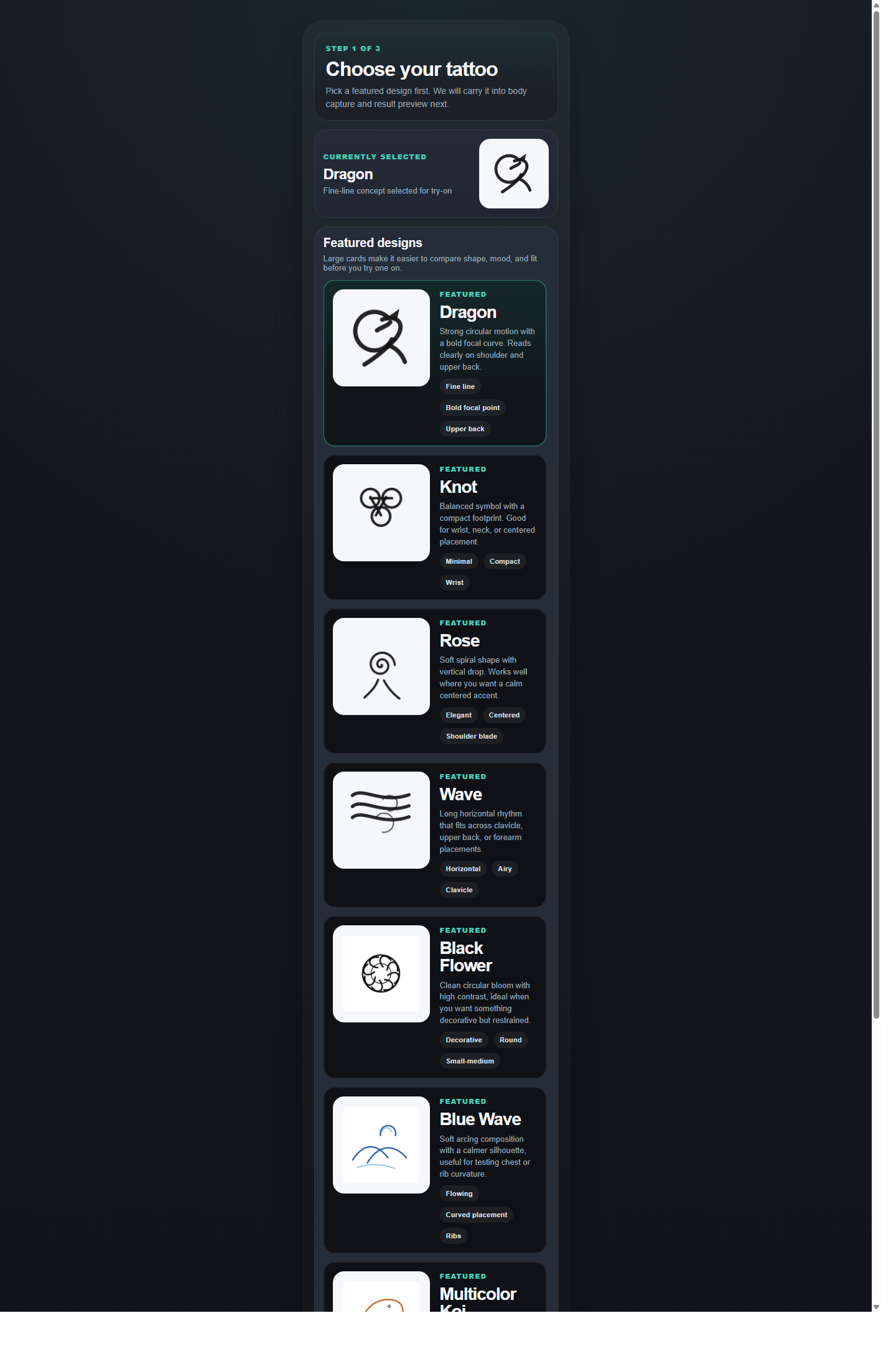
InkView is built around the decision moment: what to get, where it should sit, how large it should be, and whether it still feels right on your body.
Start from a generated concept, a style direction, or your own tattoo image.
Place the design on a real body photo so the idea becomes easier to judge.
Export a concept preview for feedback, comparison, or tattoo artist consultation.
Every core tool is aimed at helping you compare, refine, and communicate a tattoo direction before anything becomes permanent.
Preview tattoo ideas on areas like arm, forearm, back, chest, shoulder, or leg using your own photo.
Move, scale, rotate, and reset the design until the proportion and position feel closer to your intent.
Fine-tune opacity and visual blending to make the mockup easier to evaluate on skin.
Save a preview that can be shared with friends or a tattoo artist as a visual reference.
Use style directions as a starting point, then move quickly into body preview where the real decision happens.


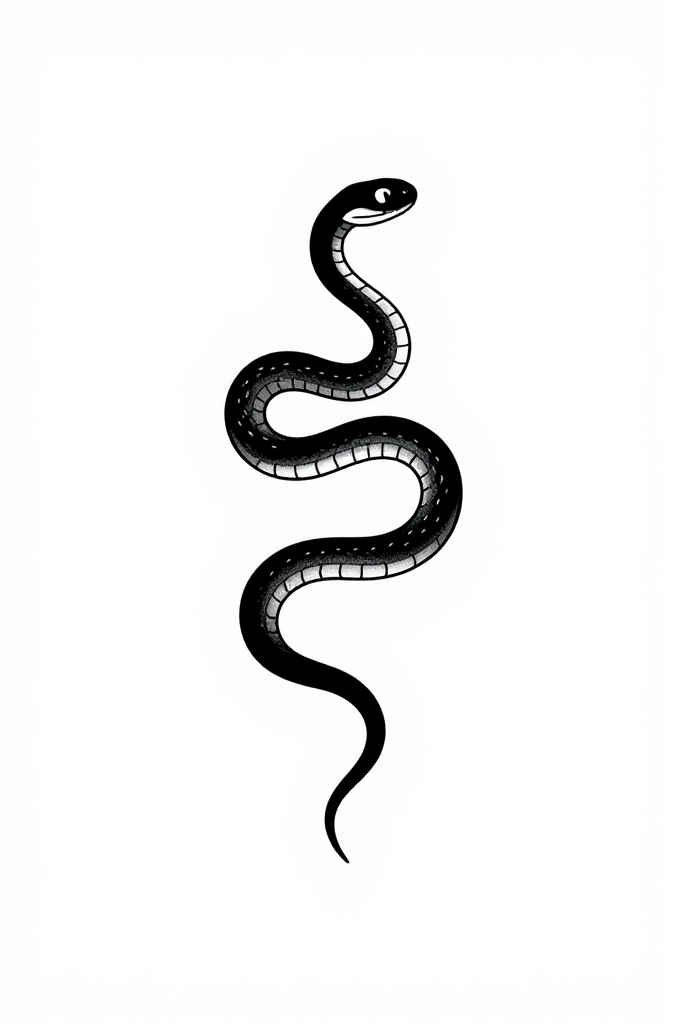
Body photos can be sensitive. InkView uses photo permissions only for importing, previewing, and saving tattoo concepts.
InkView does not create a final tattoo stencil and does not replace professional tattoo artist advice.